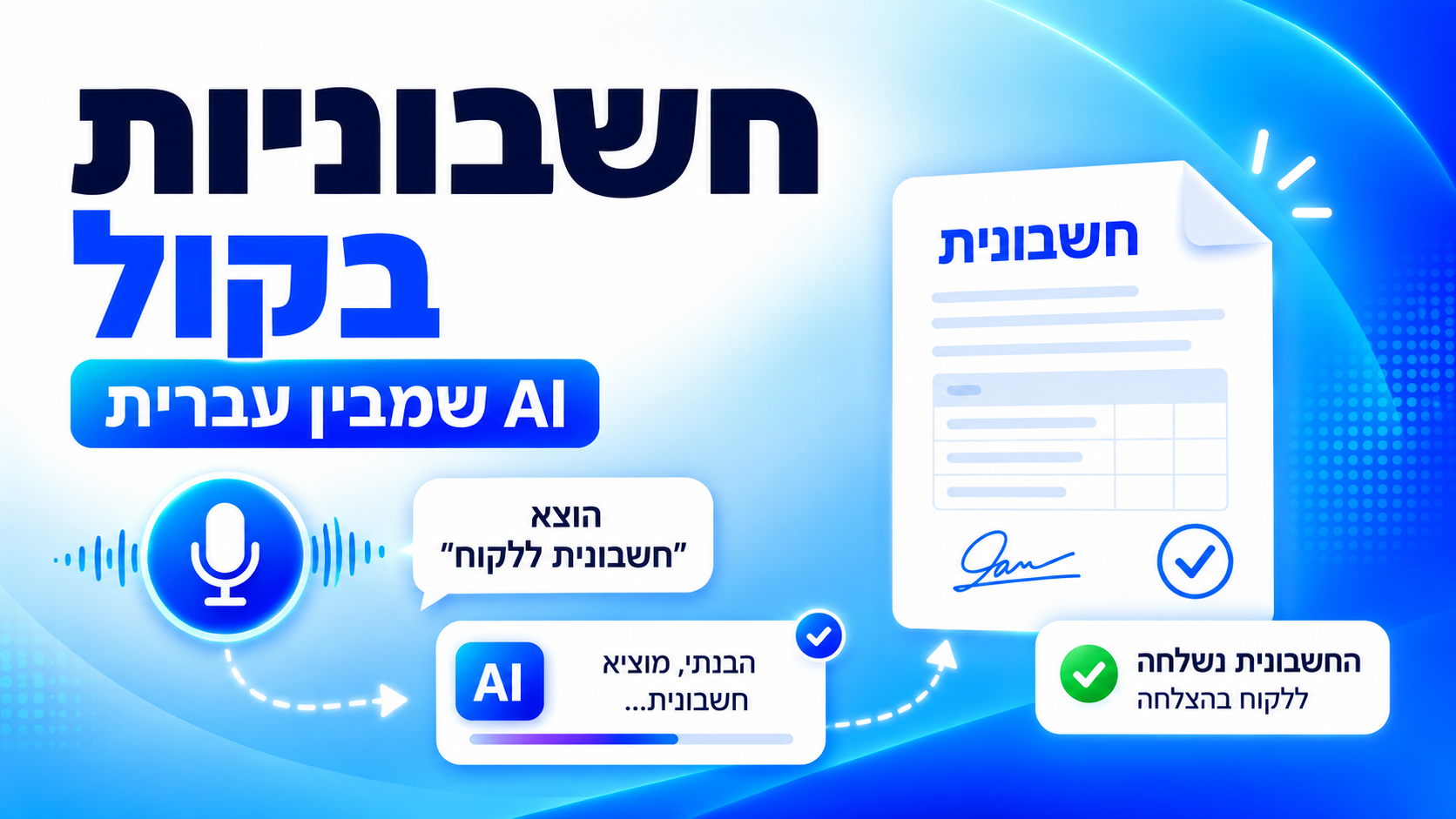
Issue an invoice with your voice: a tax invoice sent in seconds, in full Hebrew
Most business owners don't postpone invoicing because they don't want the money. They postpone it because it always lands at the worst possible moment: at the end of a long day, between two meetings, or right after the client has walked out the door. So the invoice stays on the to-do list, collection slips, and at the end of the month someone spends two hours reconstructing who bought what.
Voice invoicing moves that step off the computer and into the moment it actually happens: right after the job, from your phone, in a single voice note. The short video below shows the whole thing, start to finish.
The video: an invoice issued with nothing but a voice
What you see is one sentence spoken in ordinary Hebrew - no magic words, no form to fill in - and a valid tax invoice on its way to the client. That's the entire process.
Why voice, and why inside WhatsApp
Three practical reasons, not technical ones:
- It happens in real time. The moment you finish a job you still remember exactly what was sold and for how much. Two hours later you're reconstructing it.
- There is no new app to learn. The assistant lives in WhatsApp or Telegram - the app that is already open on your phone all day.
- Speaking is faster than typing. Especially in Hebrew, especially on mobile, and especially while you are in the middle of something else.
Hebrew support is the critical part here. You can speak the way people actually speak - slang, half sentences, numbers said out loud - and the assistant breaks it into the right fields: client, amount, description of the service.
How it works, step by step
The flow shown in the video looks like this:
- Open the chat in WhatsApp and record a voice note, exactly the way you would explain it to a bookkeeper.
- Say the details in free language: "Issue an invoice to Studio Levi for 2,400 shekels for logo design."
- The assistant identifies the client from your list. Half a name is enough - company ID, address and email fill themselves in.
- The document is built in a legally valid format, including VAT and your business details.
- The allocation number is pulled from the Tax Authority and stamped onto the document automatically, before it reaches the client.
- The invoice is sent and enters tracking: sent, seen, paid.
Step five is the one that saves the most trouble. The Israel Invoice model requires an allocation number above certain thresholds, and when that happens automatically mid-flow, there is never a moment where a document reaches a client and only then turns out to be invalid.
Which documents you can issue this way
Not just invoices. The same spoken sentence produces any of the documents a business needs day to day:
| Document type | When you use it |
|---|---|
| Tax invoice | Billing a client for a service or product delivered |
| Receipt | Confirming a payment that actually arrived |
| Invoice-receipt | When the payment is collected on the spot |
| Price quote | Before the work starts, for the client to approve |
| Pro-forma invoice | A payment request issued before the tax invoice |
Mistakes worth avoiding
Before you switch to working by voice, close these gaps:
- Not tidying the client list first. The more accurate your client details, the fewer manual corrections later.
- Leaving business details half-configured. Logo, address and payment details are set once, and then appear on every document.
- Saying an amount without stating whether it includes VAT. One clear sentence saves a corrected invoice.
- Not reviewing the first document. Issue one real invoice, read it end to end, and only then move everything over.
- Forgetting your accountant. Agree in advance on how the data will be synced or exported each month.
Tip: one voice note can carry the client, the amount and the service description together. There is no need to split it into three messages.
What happens after the invoice is sent
Fast issuing is worth less if it isn't connected to collection and reporting. After the document goes out:
- Every document stays tracked, and the assistant reminds you about the ones still unpaid.
- You can ask plain questions in the chat: how much did I invoice this month, who hasn't paid, what did this client order last time.
- At the end of the period you sync online with your accountant or export everything to Excel and PDF in one click.
That is the difference between "I issued an invoice quickly" and "the business is under control".
Conclusion
Voice invoicing isn't trying to replace bookkeeping. It simply moves the moment the document gets created - out of the evening, off the computer, out of memory - into the second the work ends. The result is fewer forgotten invoices, faster collection, and a much quieter end of month.
The simplest way to know whether it fits your business is to issue one real invoice this way, for one real client, and see how long it takes.
Frequently asked questions
What businesses usually ask before they start working by voice.
Yes. The document is built in the format required by law, including business details, VAT and an allocation number where one is needed.
No. Everything happens inside WhatsApp or Telegram, in the same chat you already use.
Yes. You can speak natural Hebrew with slang and half sentences, and the details still land in the right fields.
You can correct it before it is sent. Reviewing your first document is the best way to confirm everything is configured correctly.
You can sync online with them, or export the whole period to Excel and PDF in one click.